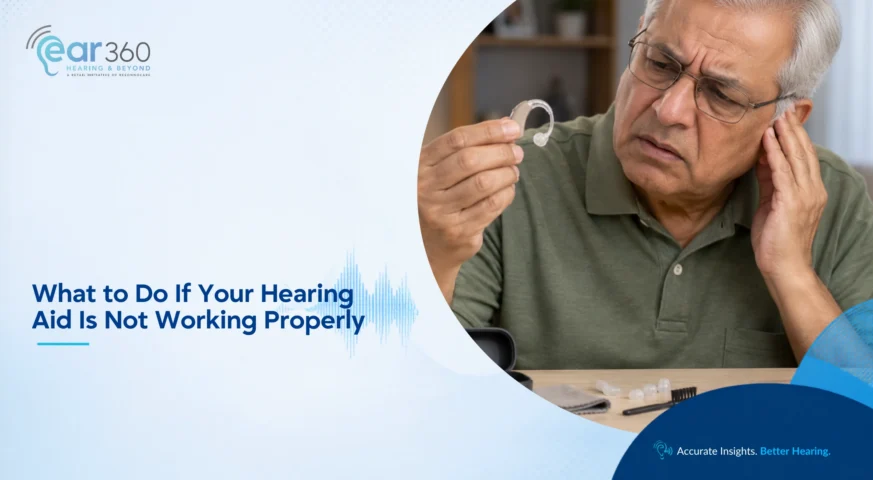
What to Do If Your Hearing Aid Is Not Working Properly
TL; DR: This blog is aimed at current hearing aid users who are experiencing issues such as no sound, weak or distorted sound, whistling, charging problems, or sudden changes in device performance. Common reasons a hearing aid may stop working properly include low battery, charging issues, earwax blockage, clogged wax guards or domes, moisture, damaged tubing, poor fit, programming changes, or internal device faults. Basic troubleshooting should start with checking whether the device is switched on, confirming the battery or charger is working, and inspecting the hearing aid for earwax, debris, or blockage. Users should avoid unsafe fixes such as using pins, needles, water, household cleaning liquids, unapproved chargers, or heat sources, as these can damage the hearing aid. If basic troubleshooting does not solve the problem, or if there is sudden hearing loss, severe ear pain, discharge, tinnitus, vertigo, or a sudden difference between the ears, professional assessment by an audiologist or medical professional is recommended. If your hearing aid suddenly becomes weak, distorted, starts whistling, or stops charging, it does not necessarily mean the device has failed. A blocked wax guard, battery problem, moisture, poor fit or another relatively simple issue can cause similar changes. A blocked wax guard, battery problem, moisture, poor fit or another relatively simple issue can cause similar changes A few basic checks can be done safely at home. However, if the hearing aid appears to be working normally but your actual hearing has suddenly changed, the problem should not be treated as a device issue. Why Is My Hearing Aid Not Working Properly? A hearing aid can appear to be broken due to one of a number of issues. Common causes include: A low or depleted battery Charging problems Earwax or debris blocking the sound outlet or receiver Clogged wax guard Moisture inside the device Damaged tubing Incorrect insertion Incorrect volume or programme settings Poor physical fit Internal device malfunction A change in your hearing. Start by identifying exactly what has changed. Is there no sound at all? Is the volume decreased? Is speech distorted? Has the device started to whistle? Does it turn off automatically? Does it work in one ear and not the other? Specificity in the problem helps the troubleshooting process. Know More About When Your Hearing Aid Stops Working Well: Has the Device Changed or Has Your Hearing Changed? Signs Your Hearing-Aid Settings Need Adjustment Hearing Aid Machine Price: What Determines the Cost? Hearing Aid Not Working at All? Start With These Checks If the hearing aid is totally silent, start with the most basic options. Check whether the device is switched on. This may seem obvious, but hearing aid controls are small. It can easily be turned on or off while inserting and removing. When taking out a rechargeable device, it can automatically turn on depending on the device type. Check the battery If you are using a disposable-battery hearing aid, use a new battery of the appropriate battery type. Remove any protective sticker before putting it on. Remove the sticker and follow the manufacturer’s instructions before closing the battery compartment. If the hearing aid is rechargeable, check to make sure that it’s been recharged. Check whether: The charger is connected properly A number of charging indicators will be appearing. The hearing aid is properly positioned It looks as if the charging contacts are clean and dry. Hearing Aid Not Working or Sounding Weak? Check for Earwax A common cause of a hearing aid becoming quieter is earwax. Wax or debris can plug the small opening into which sound is transmitted to the ear. Wax guards, filters, and domes can also become clogged over time. Examine the hearing aid in a well-lit area. When you can see wax on the dome or sound outlet, clean only the area(s) your audiologist has demonstrated how to clean. Do not use: Pins Needles Toothpicks Metal objects Household cleaning liquids Water directly on the hearing aid These can cause damage to fragile parts. If you are unsure how to change a wax guard or clean a particular part, arrange professional hearing aid aftercare rather than forcing or dismantling anything. fWhat If the Hearing Aid Sounds Distorted or Unclear? A hearing aid may still produce sound but make speech seem muffled, crackly, sharp or distorted. The sound can be described as: Muffled Crackling Distorted Too sharp Too soft There are a number of problems that can lead to this. If a component is blocked, it can have a negative impact on the sound quality. Moisture is also a factor that can affect performance. Or perhaps your hearing has changed, or the programming needs to be reviewed. Do not keep increasing the volume if speech remains unclear. More loudness does not always mean better clarity. Loudness is not a measure of clarity. An audiologist can look at the device, listen to your hearing experience, and determine if a change in fitting, program, or device adjustment, or additional hearing testing is needed. Modern hearing aids are programmed according to your hearing results and can require follow-up fine-tuning as your listening needs change. Why Does My Hearing Aid Keep Whistling? Feedback is a whistling or squealing sound that occurs in a hearing aid. There can be occasional brief feedback when inserting or touching a device. Whistling during normal use should be investigated if it is a frequent occurrence. Possible causes include: The hearing aid is not fitted in properly. The earmould dome is not tight. The ear canal is blocked by earwax. Tubing is cracked or damaged. The fitting is no longer good. The settings on the device must be adjusted. Make sure to carefully reinsert the hearing aid. If it persists, don’t decrease the volume of the whistle to silence it. This can also decrease the amount of speech information you will hear. A good fit and device review will be more beneficial. What Should You Do If a Rechargeable Hearing Aid Is Not Charging? It is frustrating to have charging problems, particularly when
Read More